untitled tag game Controls
PC, mobile, and console binds, menu keys, and the utg:// browser.
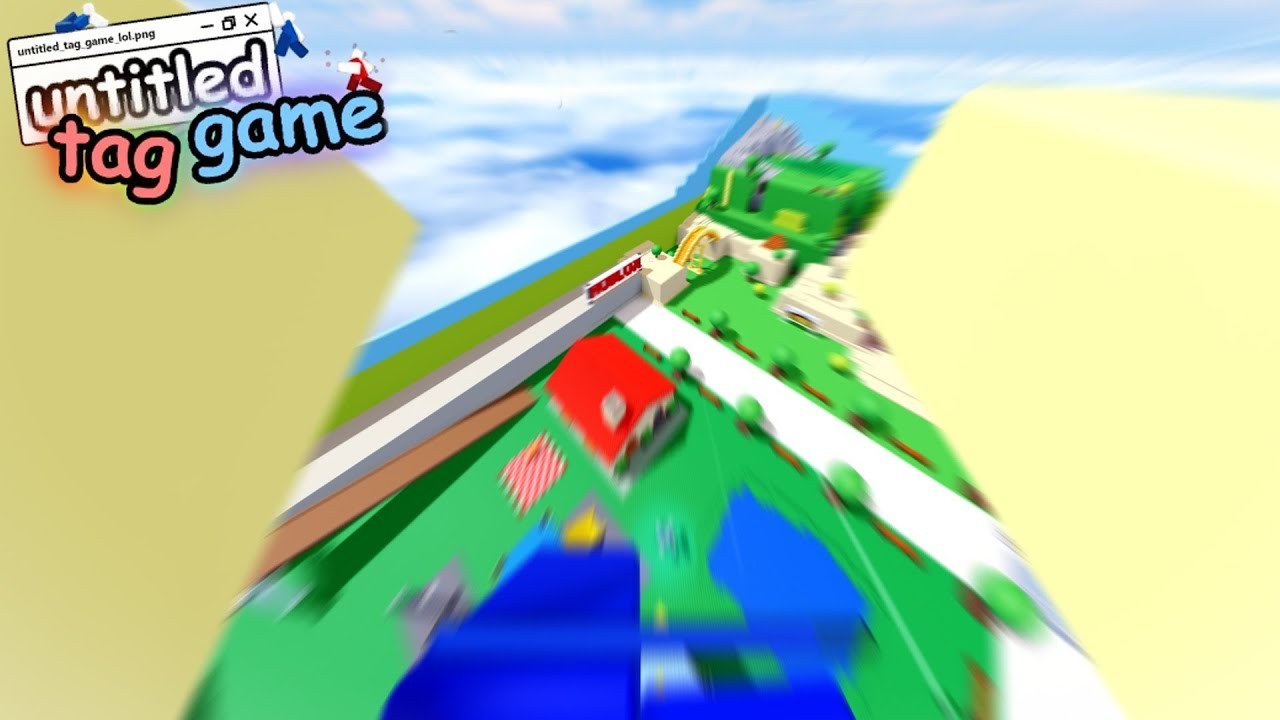
untitled tag game uses a small combat bind set and a large movement bind set. Tag is one button. Everything else is parkour and menus. The official recode prompt on the Roblox page is the short list you should memorize first: W run, LMB tag, B shop, I inventory, G emote, Q menu. Community tables sometimes still list N for items and M for options from earlier recode builds. If a key does nothing, open Q and check settings. Then return to Getting Started for the session loop, or to Movement once the binds feel automatic.
This page is the input map. It does not replace Gamemodes or Maps. It does tell you which finger starts a roll, which thumb opens utg://shop, and how mobile players tag without a mouse.
PC (keyboard and mouse)
| Action | Default bind | Notes |
|---|---|---|
| Move | W A S D | Hold W to run. There is no separate sprint key in the official prompt. |
| Camera | Mouse | Right mouse is freelook in some builds. |
| Tag | Left mouse | Melee-range. Typical reward ~10 coins / 5 XP. |
| Slide / crouch | C on ground | Heading locks; camera still turns. A/D curves the slide. Tap C again to get up. |
| Roll | C just before landing | +9 to +22 walkspeed. Timing is the skill. |
| Jump, vault, swing, wallrun | Space | Vault at a ledge. Swing on a bar. Checker walls wallrun on approach. |
| Zipline | Space into the line | Jump-to-grab. Jump again to drop early. |
| Shop | B | Opens utg://shop. |
| Inventory | I | Opens utg://inventory. Older tables used N. |
| Emote / emote wheel | G / hold G | First slot vs full wheel. |
| Menu | Q | In-game browser. Older tables used M for options. |
| Leaderboard | Tab | Hold to scroll. |
| Perspective | Z or V | First / third person. |
| Binoculars (gamepass) | E, scroll to zoom | Optional. |
| Hide UI | [ | Useful for clips. |
| Unlock cursor | ; | Click menus without spinning the camera. |
Tagpads, smashable parts, rails, and bounce pads have no extra keys. You run into them. A roll on a rail is still C. Full tech is on Movement.
Mobile / touch
Mobile uses on-screen buttons. Sprint is automatic when the joystick is forward.
| Action | Mobile |
|---|---|
| Move | Left joystick |
| Camera | Swipe |
| Tag | Tag button, or tap empty space if no gear is equipped |
| Jump / vault / swing / zipline / wallrun | Jump button |
| Crouch / slide / roll | Crouch / slide button (ground = slide, air-before-land = roll) |
| Shop | Shop button (B equivalent) |
| Inventory | Items / inventory button (I equivalent) |
| Menu | Menu button (Q equivalent) |
| Emote | Tap emote; hold for the wheel |
| Binoculars | Dedicated button if you own the pass; pinch to zoom |
Thumb overlap is the mobile tax. Keep the tag button reachable while the joystick is pegged forward. If you miss rolls, you are tapping slide too late after the landing animation, not too early. Practice on a quiet map from Maps such as Courtyard before you blame the role speeds in Gamemodes.
Console (Xbox layout, PlayStation equivalents)
The HUD prints Xbox glyphs even on PlayStation. Community tables disagree on a few face buttons because slide and jump share “confirm” instincts. Use this as a starting map, then test in a round:
| Action | Xbox | PlayStation |
|---|---|---|
| Move / run | Left stick (hold forward to run) | Left stick |
| Camera | Right stick | Right stick |
| Tag | RT | R2 |
| Jump / vault / swing | A (some tables list this as slide; test both A and B) | Cross / Circle (test both) |
| Slide / roll | B or A depending on build | Circle or Cross |
| Crouch (stationary) | Left stick click (L3) | L3 |
| Shop | X or D-pad left | Square |
| Inventory | Y or D-pad down | Triangle |
| Menu | Menu / Start | Options |
| Emote | D-pad up | D-pad up |
| Perspective | Right stick click | R3 |
| Binoculars | D-pad up (pass) | D-pad up |
If slide and jump feel swapped, you are not broken; you hit the table mismatch. Spend one round only testing those two buttons, then go back to Getting Started. Controller players are rarer, which means taggers may not expect a sudden slide cancel. That is your advantage, not a reason to skip Movement.
Menu keys: B, I, G, Q
These four keys are the recode browser, not parkour.
- B — Shop. Cosmetics: outfits, emotes, tag effects, trails. Featured rotates. Buy More is utg://shop/buymore for Robux coins and gamepasses. Details on Shop and Coins.
- I — Inventory. Equip what you own. Trails do not change walkspeed. Unequip noisy tag effects if you cannot see your own landings.
- G — Emotes. Tap for slot one, hold for the wheel. More Emotes (gamepass) adds slots. Emotes during a chase are how you get tagged.
- Q — Menu. Address bar for utg:// pages, settings, and codes. This is also how you reach redeem without hunting a tiny shop tab.
Redeem promo strings from Codes here, not in Roblox chat.
utg:// pages
The menu behaves like a tiny browser. Type or tap:
| Address | What it is |
|---|---|
| utg://home | Hub with search, shop, inventory, settings |
| utg://shop | Cosmetics |
| utg://shop/buymore | Robux coins, gamepasses, gifting |
| utg://codes | Redeem field |
| utg://inventory | Equip cosmetics |
| utg://leaderboard | Global coins, tags, levels |
| utg://settings | Sensitivity, movement-value debug, miscellaneous |
Unknown addresses often show a 503 working-on-this page. Event pages (for example Halloween quests) appear only while that event is live. You do not need them to finish Getting Started.
Settings worth opening on day one: camera sensitivity, shift-lock / first person comfort, and optional movement-value display if you want to see vault height and roll bonuses. Binoculars zoom is useless until you can already track a runner without it.
Bind practice circuit
Do not lab every tech on day one. Run this circuit on whatever map the lobby already voted, then stop:
- Hold W in a straight line, then add C slides through the first gap you see.
- Jump off a low roof and press C before the floor. If walkspeed spikes, the roll landed. If not, you pressed on the floor like a crouch.
- Walk at a waist-high ledge and tap Space. If you pop up, that is a vault, not a jump. Spam Space on a ladder.
- Find a swing bar (Crossroads and Glass Houses are full of them; see Maps) and tap Space on contact.
- Jump at a zipline. Ride it, then jump off early once so you know the drop.
- Open B, I, G, Q in that order, redeem codes, close the menu, and tag one unique player.
When those six steps are boring, you are ready for slide cancel, slide boost, high vault, fall swing, railfling, and tagpad launches on Movement. Vote advice stays on Gamemodes. Coin sinks stay on Shop and Coins. The tier list will not fix a missed roll, and Players clips will not bind C for you. Inputs first, style later.
Frequently Asked Questions
Quick answers to the most common questions.
What are the official untitled tag game keys?
W run, left mouse tag, B shop, I inventory, G emote, Q menu. C is slide and roll. Space is jump, vault, and swing. Full tables are on this Controls page.
Why do some guides say N for inventory and M for options?
Older recode tables used N and M. The current Roblox prompt uses I and Q. If a bind is dead, open Q and check settings, then continue Getting Started.
How do I roll on mobile or console?
Press the slide / crouch control in the air just before you hit the ground. Same timing as PC C. Movement explains the +9 to +22 walkspeed window.
Where do I redeem codes from the keyboard?
Press Q and open utg://codes, or use the shop redeem field after B. Live strings are listed on Codes.
Does a controller change tagging?
Which menus should I open before I buy cosmetics?
utg://codes first, then utg://shop and utg://inventory. Spending order is on Shop and Coins. Trails never replace a clean vault.